Shooting the Milky Way, and finishing it in Lightroom
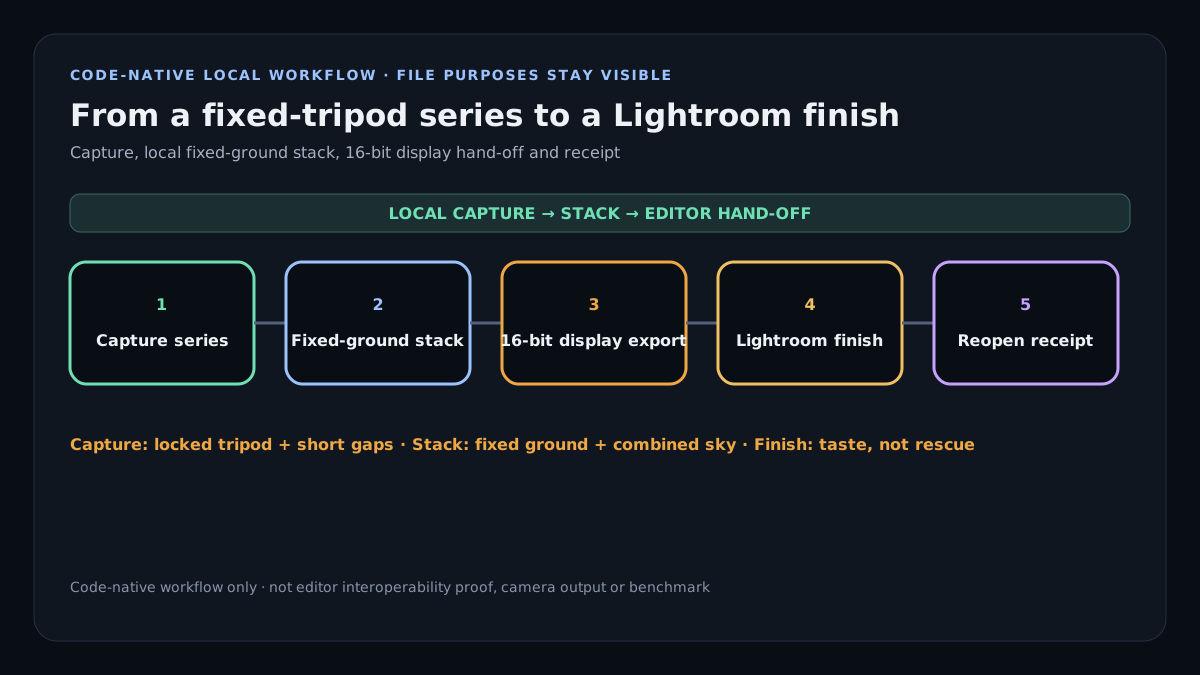
Shoot a series of the Milky Way from a fixed tripod, stack the sky to cut noise while the ground stays a single sharp frame, then finish in Lightroom in order: white balance, a sky mask to lift the galaxy, a little dehaze, a foreground brush, and noise last. Do it in that order and the Lightroom step is minutes of taste, not an hour of rescue.
On this page
The capture: a fixed tripod and a series
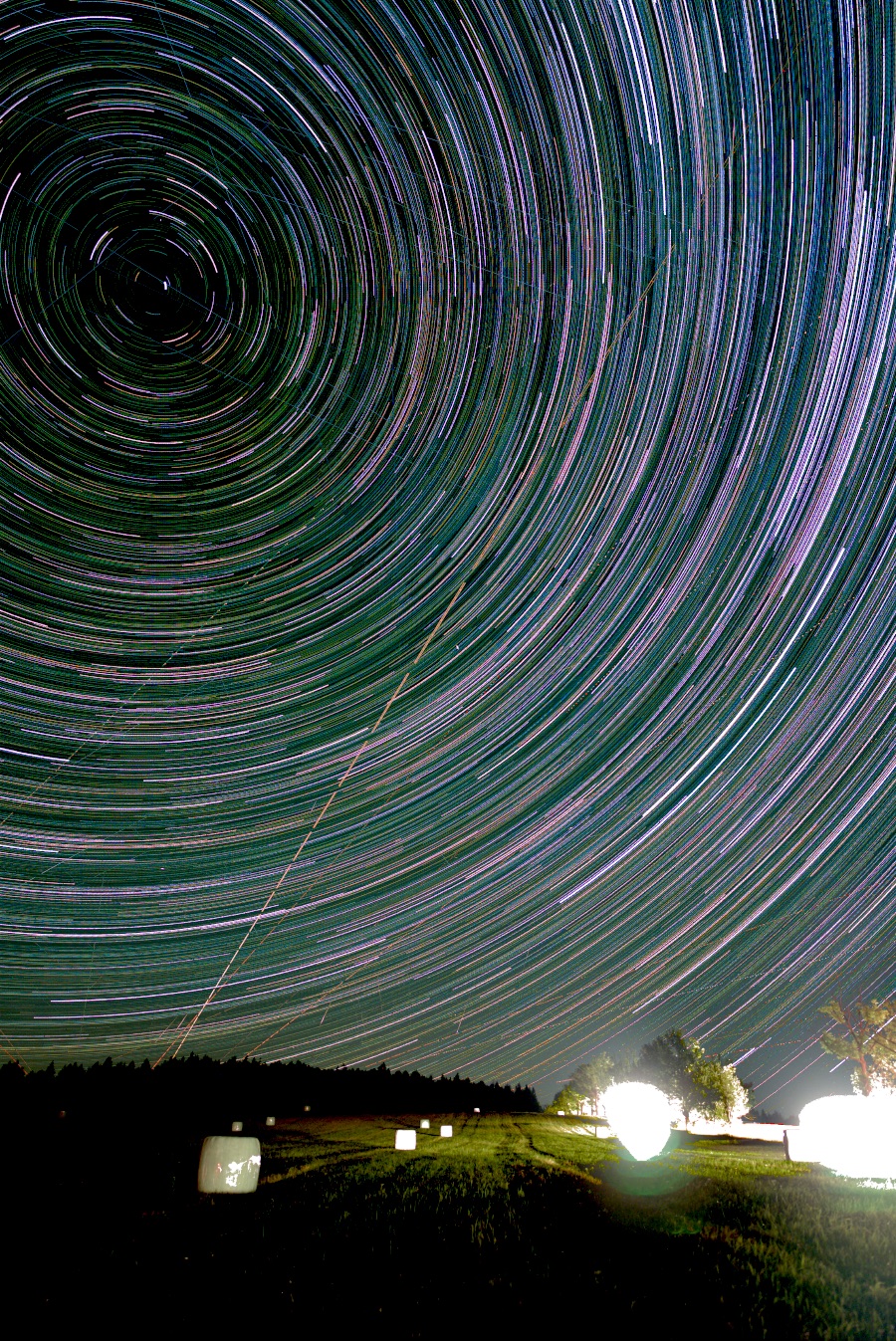
Point at the core of the galaxy on a moonless night away from town, focus manually on a bright star, and set the widest aperture your lens is sharp at. Expose each frame as long as your sensor allows before the stars trail — often 15 to 25 seconds on a wide lens — and take a series, not one shot. The series is what lets you average the noise down later without a star tracker, and it is what lets a satellite be removed from one frame without touching the rest. Keep the tripod locked so the ground registers frame to frame.
The stack: sky quiet, ground sharp
Because the tripod did not move, the ground is identical in every frame and the sky is not — the stars have shifted a little. That is exactly what a fixed-ground nightscape stack is for: it combines the sky to cut noise while keeping the ground as one sharp frame, proposes where the sky ends and the ground begins, and lets you correct the boundary by hand. The result is a clean, low-noise base — the Milky Way already brought out of the grain — before any slider is touched.
The Lightroom pass, in the right order
Export the stacked base as a 16-bit TIFF so Lightroom has real numbers to work with, and go gently:
- White balance first — pull it cooler to kill the orange of light pollution, then warm back a touch so the core is not blue.
- Select Sky (Lightroom’s AI sky mask) and lift the exposure and contrast of the sky alone, so the galaxy separates from the background without brightening the ground.
- Dehaze, a little. A small amount of dehaze on the sky mask deepens the dust lanes; too much turns the sky into mud and haloes the horizon.
- A foreground brush — invert the sky mask or brush the ground, and lift the shadows just enough to read the landscape without making it look daylit.
- Noise and colour last. Because you stacked, there is far less noise to remove, so a light hand keeps the stars from smearing into blobs.
The reason this is quick is the base. A single under-exposed frame forces you to drag every slider to its limit and fight the noise you amplify; a stacked base is already clean, so Lightroom is where you make it yours, not where you save it.